Help Centre
Tutorial Library
Step-by-step guides to help you get the most out of Punctulo. Each tutorial includes screenshots from the live app.
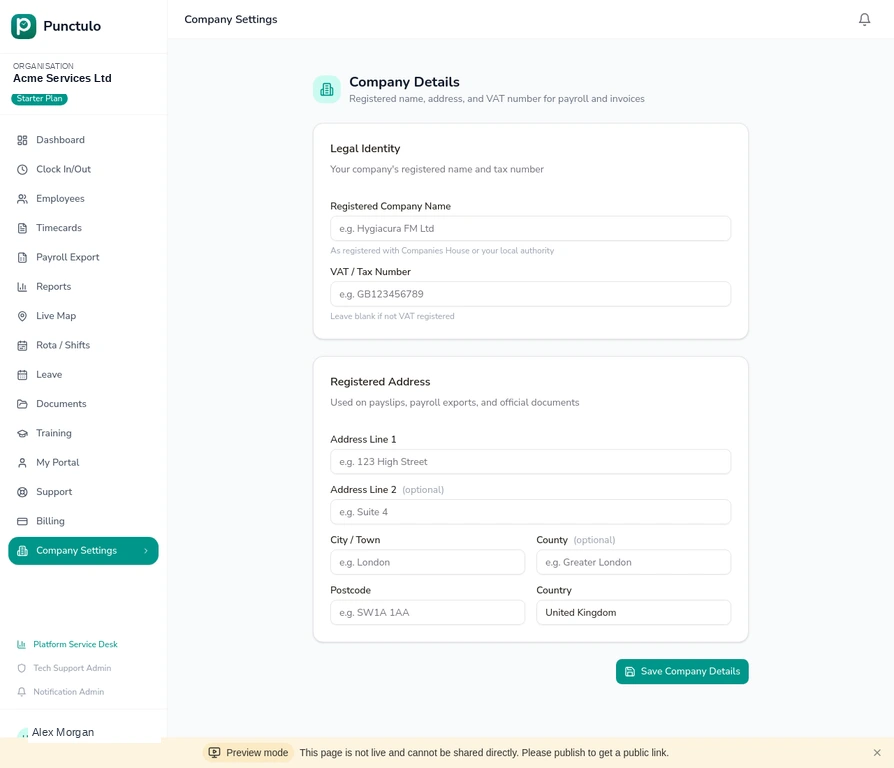
Setting up your organisation
Configure your company name, registered address, VAT number, and billing details so Punctulo is ready for payroll and compliance.
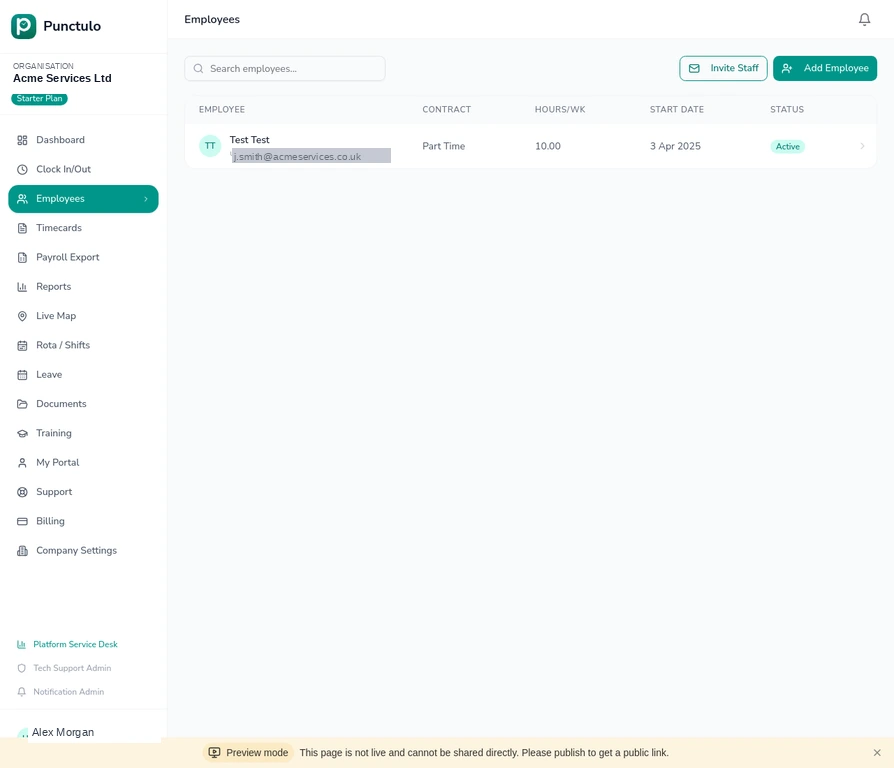
Adding your first employee
Learn how to add a new employee record, set their contract type, department, hourly rate, and start date — including automatic invitation email.
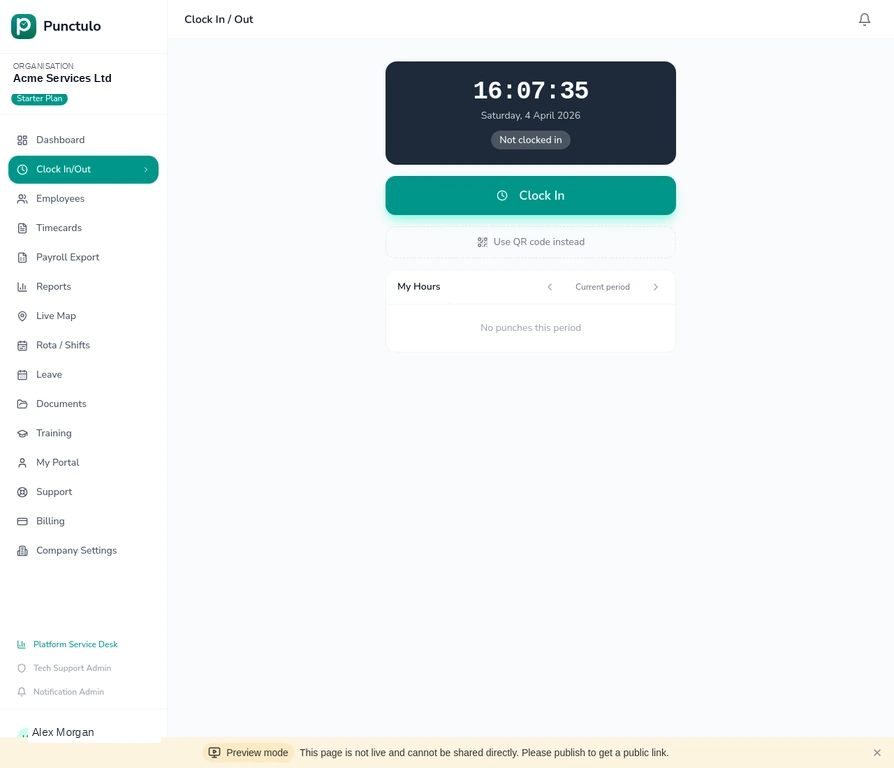
Clocking in and out
Understand how employees clock in and out using the web app or mobile browser, including GPS capture and QR code clocking.
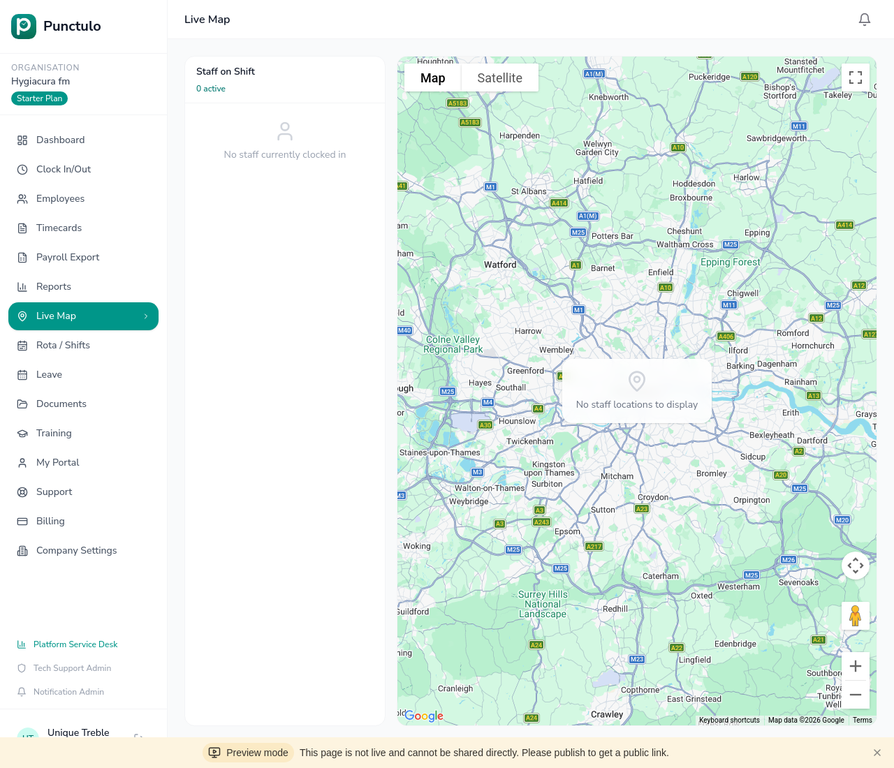
Using the Live Map
See where your field staff are in real time. The Live Map shows GPS-verified clock-in locations and current shift status for every employee.
Setting up geofences
Define site boundaries so Punctulo can automatically verify that employees are on-site when they clock in. Ideal for multi-site operations.
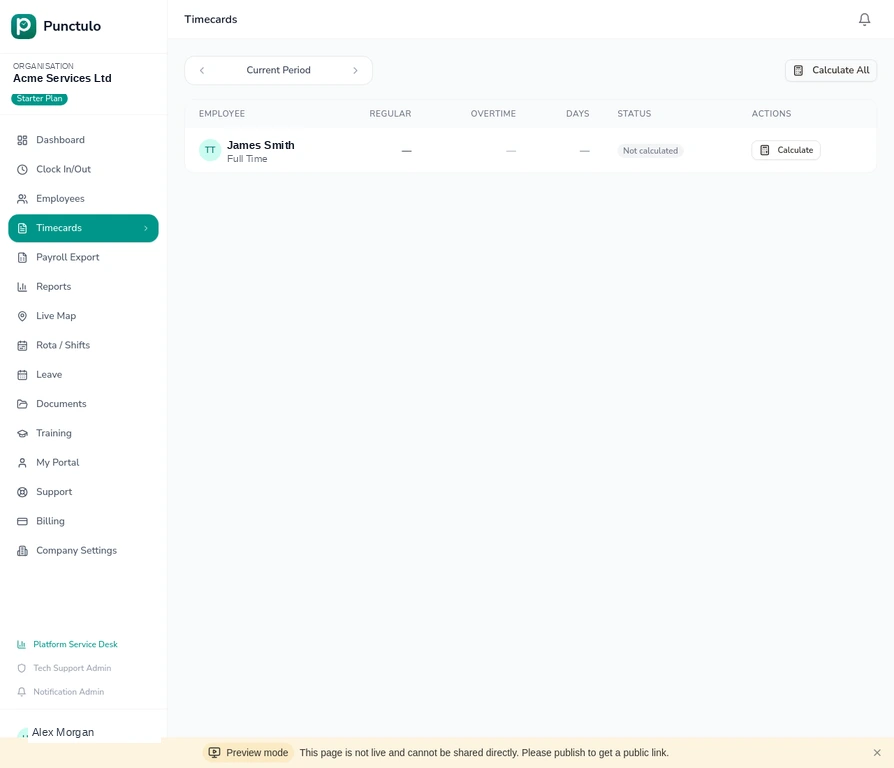
Approving timecards
Review, edit, and approve employee timecards at the end of each pay period. Correct missed punches and lock approved records before export.
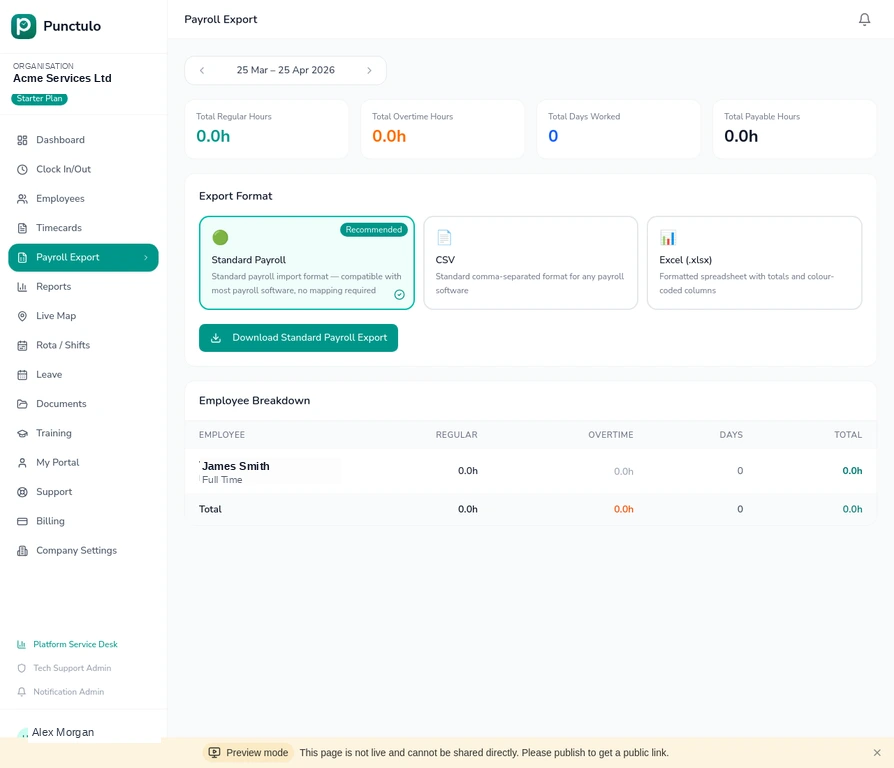
Running a payroll export
Export approved hours to CSV or Excel for your payroll software. Filter by department or location, choose the format, and download in seconds.
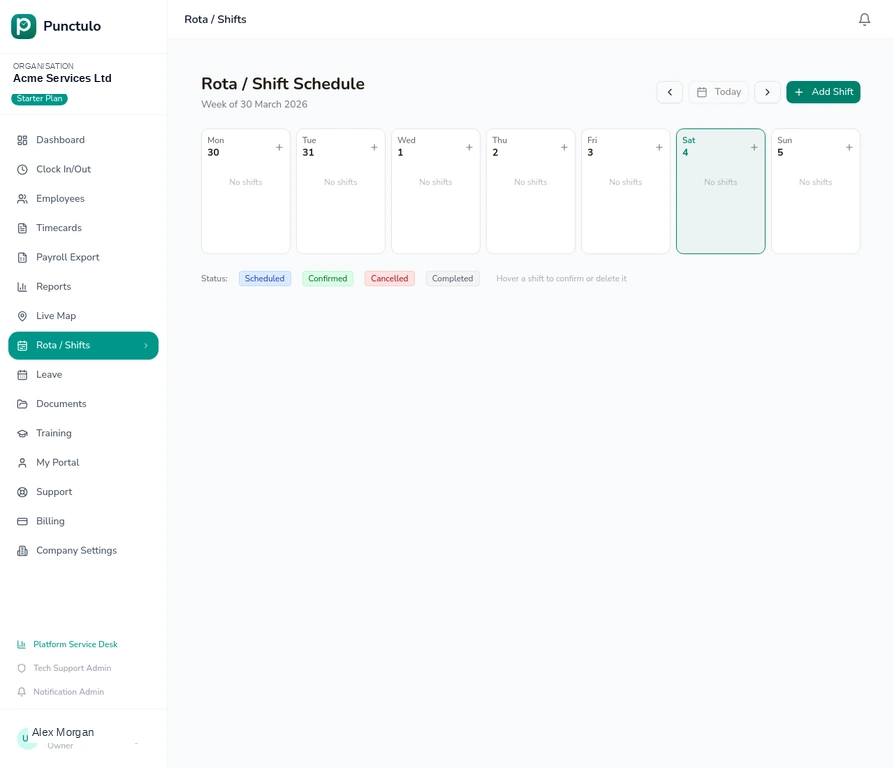
Building a rota
Create weekly shift schedules for your team. Use filters, department grouping, and copy-previous-week to manage rotas at scale.
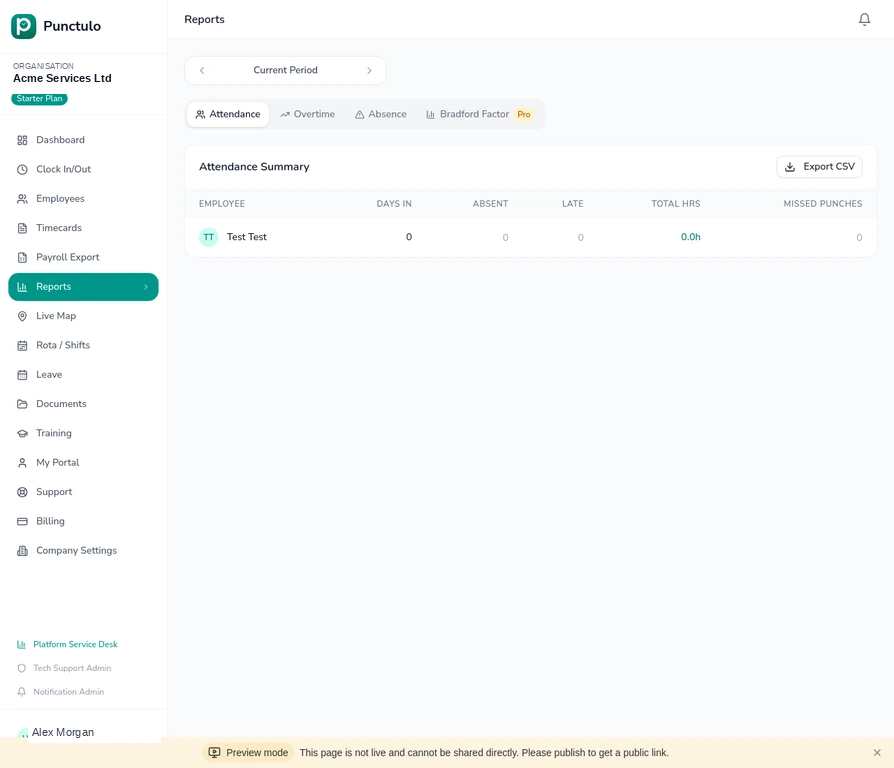
Reading the Reports dashboard
Understand attendance summaries, overtime breakdowns, absence trends, and Bradford Factor scores to manage workforce performance.
Inviting team members
Send email invitations to managers and supervisors so they can access Punctulo with the right permissions for their role.
Bulk employee upload
Import an entire workforce in one go using a CSV file. Add unlimited employees with department, contract type, and payroll ID in a single upload.
Managing leave
Request, approve, and track annual leave, sick days, and other absence types. Includes statutory balance tracking and overlap detection.
Affiliate programme
Earn a 5% recurring commission by referring other businesses to Punctulo. Learn how to sign up, share your link, and track your earnings.