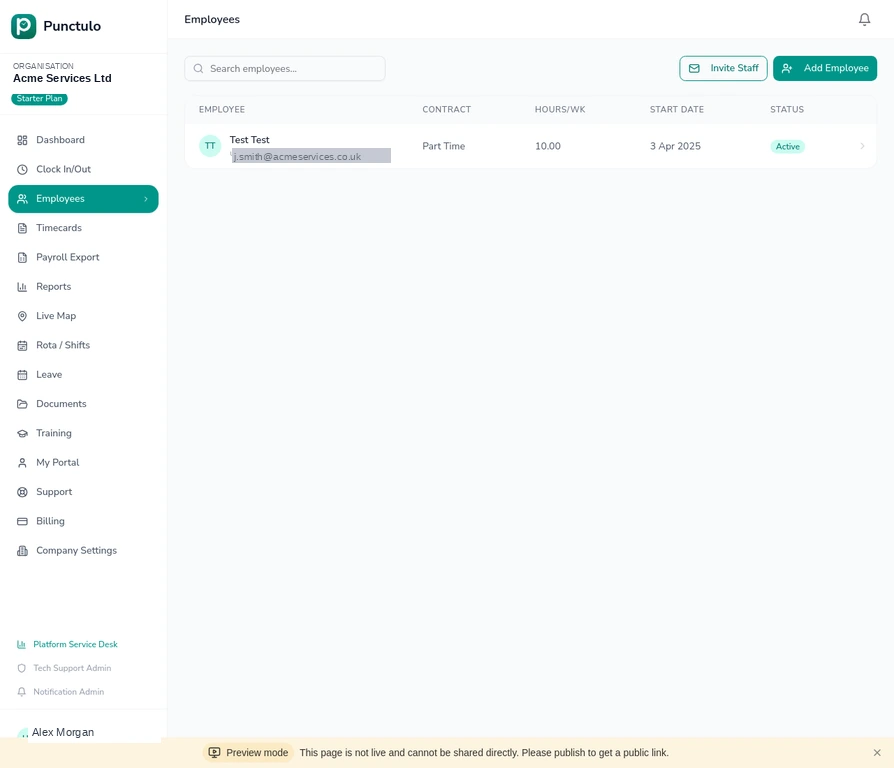
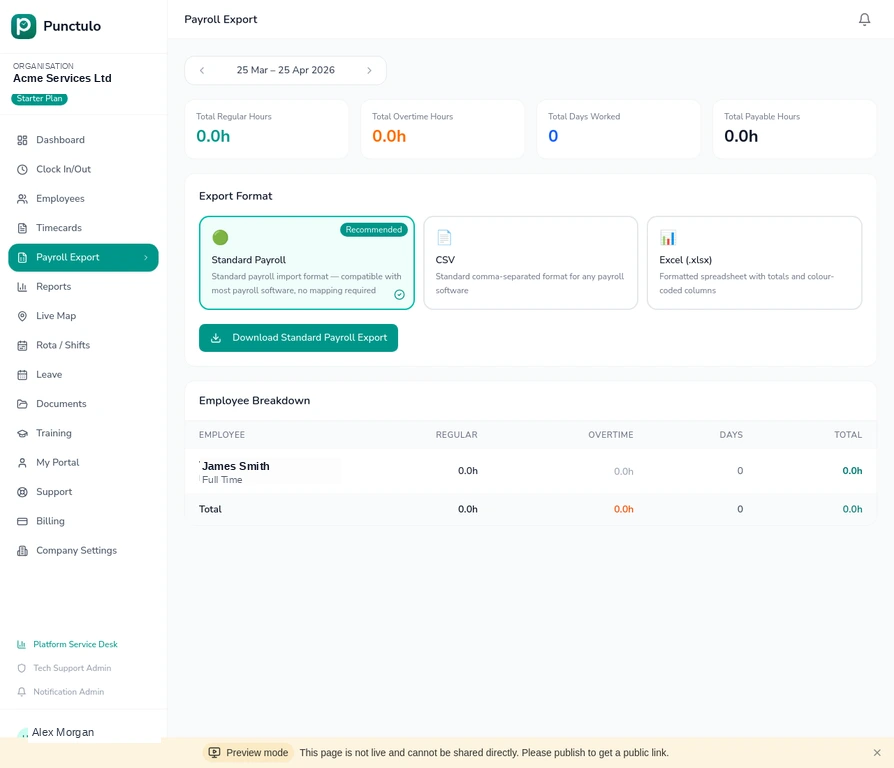
Setting up your organisation
Before you start tracking time, it's worth spending five minutes filling in your organisation details. These details appear on payroll exports, official documents, and invoices — so getting them right from the start saves effort later.
Sign in and open the sidebar
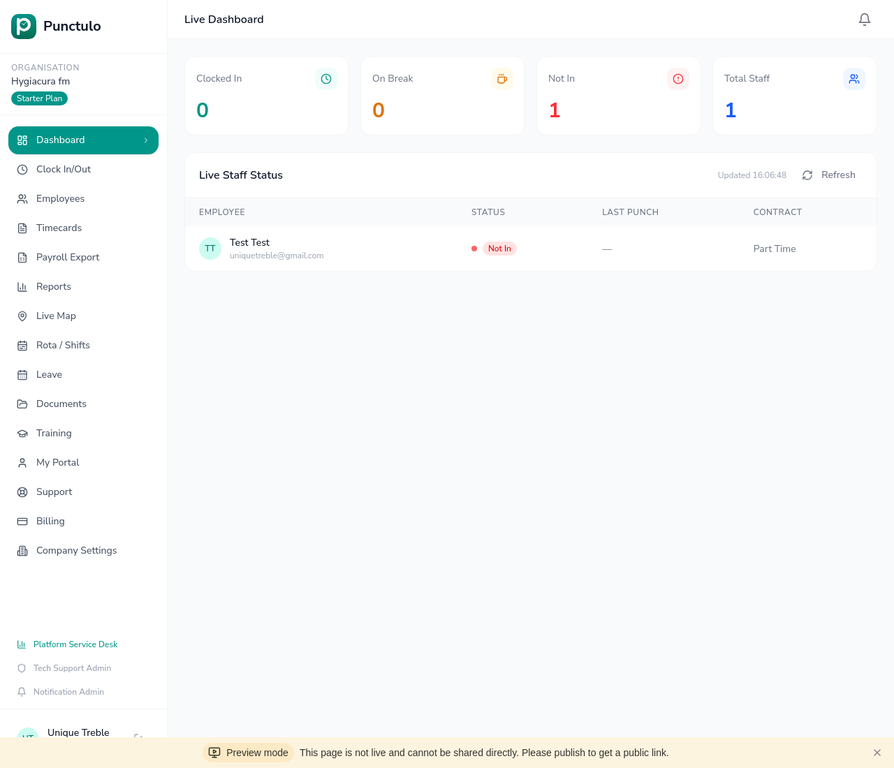
Log in to Punctulo using your account credentials. Once inside, you'll see the left-hand sidebar with all navigation links. Your organisation name appears at the top of the sidebar.
Navigate to Company Settings
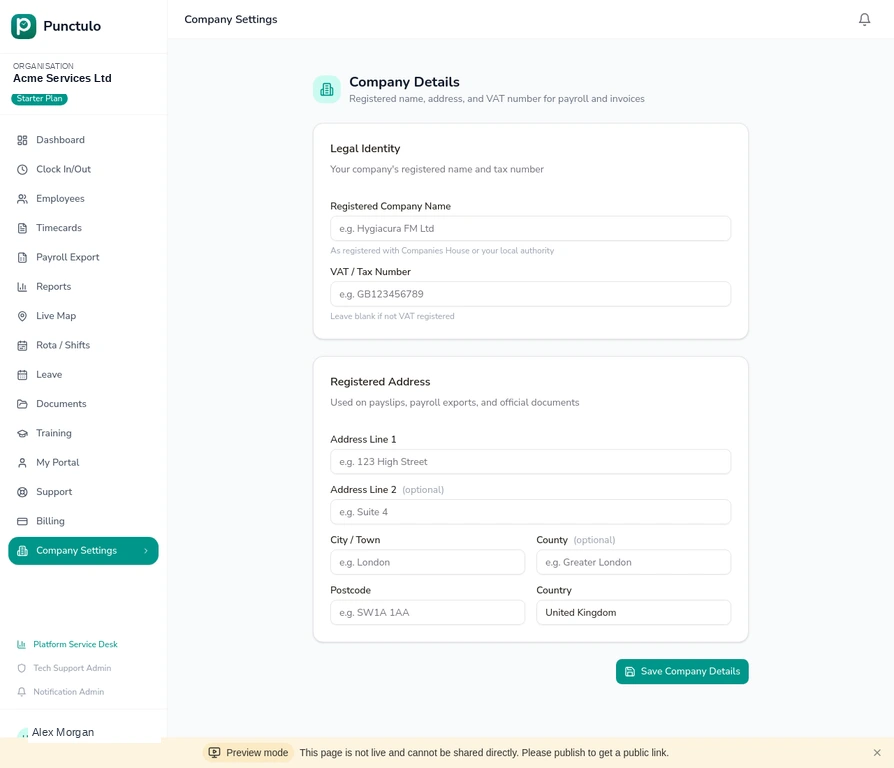
Scroll down the sidebar to find Company Settings near the bottom. Click it to open the Company Details page. This page is only visible to users with the Owner or Admin role.
Enter your registered company name
In the Legal Identity section, type your company's full registered name — exactly as it appears on your Companies House registration or equivalent local authority record. This name will appear on payroll exports.
If you trade under a different name, enter your legal registered name here. You can add your trading name in a future update.
Add your VAT or tax number (optional)
If your organisation is VAT-registered, enter your VAT number in the VAT / Tax Number field. UK VAT numbers follow the format GB123456789. Leave this blank if you are not VAT-registered.
Fill in your registered address
Complete the Registered Address section with your company's official address. This is the address used on payslips and payroll export headers. Fields for Address Line 1, City, Postcode, and Country are required; Address Line 2 and County are optional.
Save your details
Click the Save Company Details button at the bottom of the page. A confirmation message will appear confirming your details have been saved. These details are now stored and will be used automatically in payroll exports.
You can return to this page at any time to update your details — for example, if you move offices or change your VAT registration status.